Game development involves many complex and interdependent tasks that need careful coordination and tracking.
By providing the ability to tailor workflows to the unique demands of game development projects, Meegle can be very beneficial. It allows game companies to manage the complexity of their projects while maintaining agility to adapt to new requirements or changes in the industry.
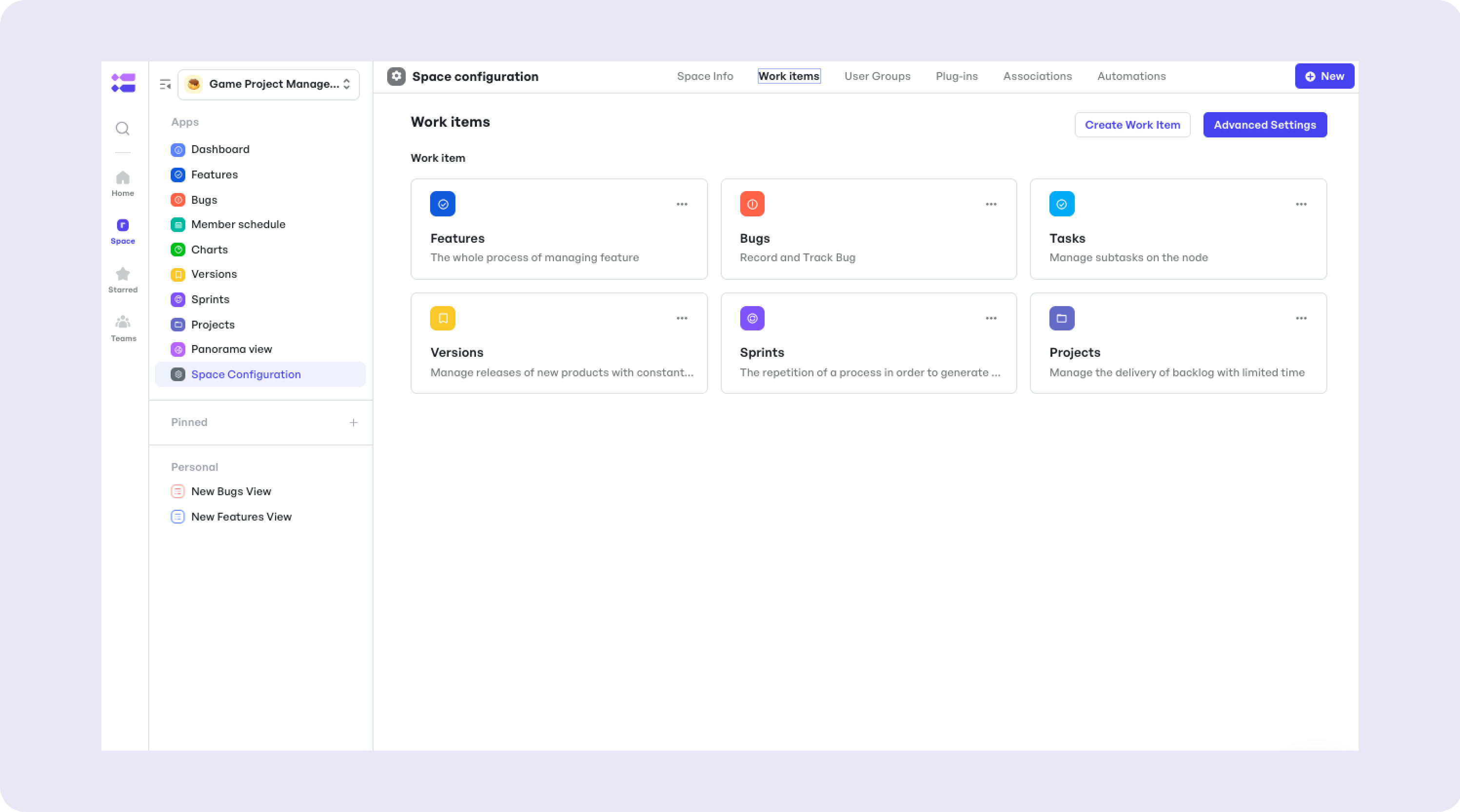
Industries and Teams That Benefit
- Game Studios
- Indie Developers
- Gaming QA Teams
Adaptation Scenarios
- Manage the whole process from project initiation, art, development to testing and release;
- Assist project managers in overseeing the progress of multiple parallel projects and addressing risks and other issues throughout the process.
Step-by-Step Guide to Using the Template
Step 1: Define project goals and assign team roles.
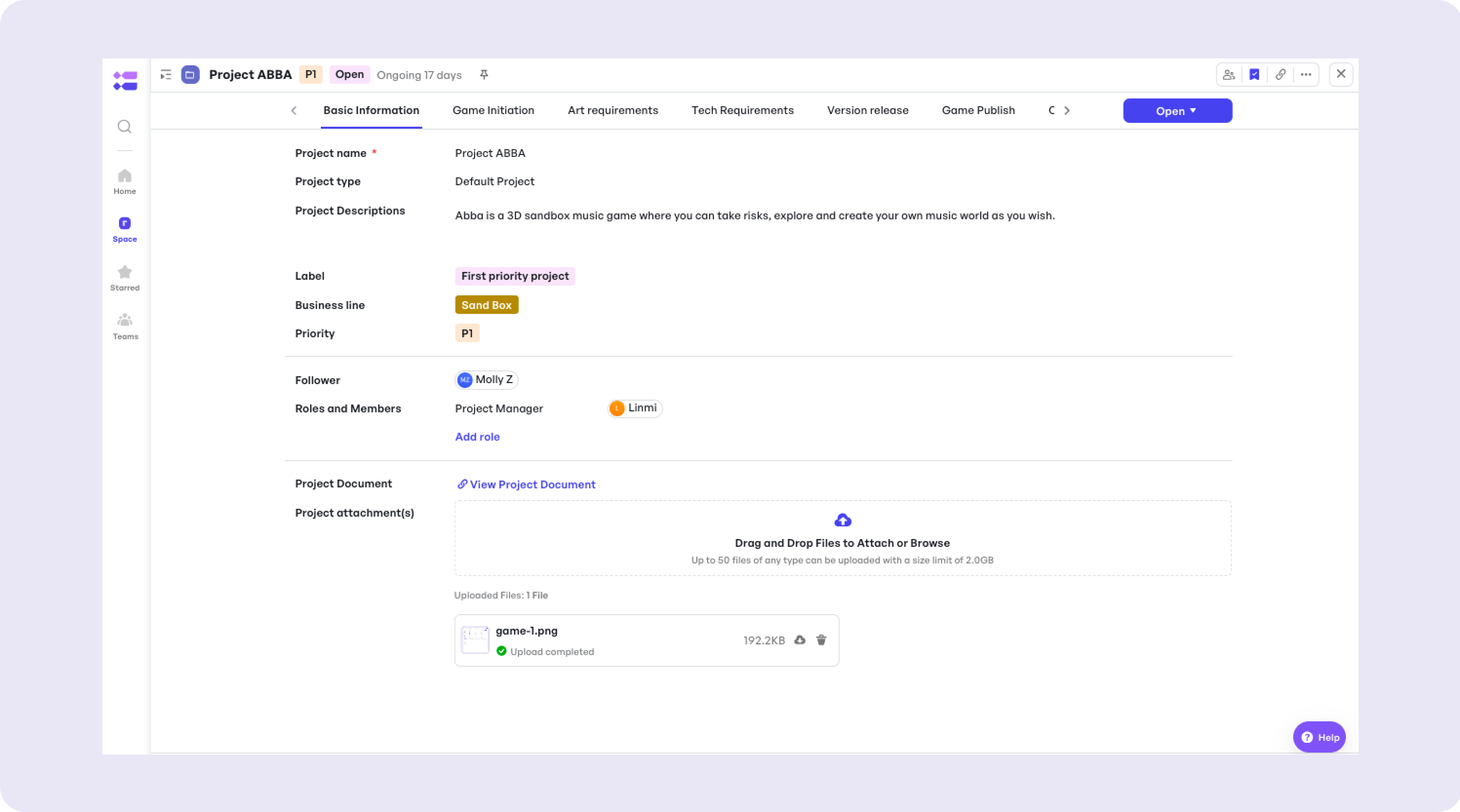
A project team can manage each game in the Project work item and bind various requirements related to the game together.
Step 2: Create a development timeline with milestones.
Users can define specific milestones by assigning them dates, detailed descriptions, and associating them with particular tasks or phases of the project. Meegle then allows for monitoring these milestones, offering visual timelines and alert systems to keep all team members informed of upcoming deadlines and progress updates. This systematic approach ensures that projects stay on track and milestones are met efficiently, enhancing project tracking and accountability.
Step 3: Track progress with visualized workflows.
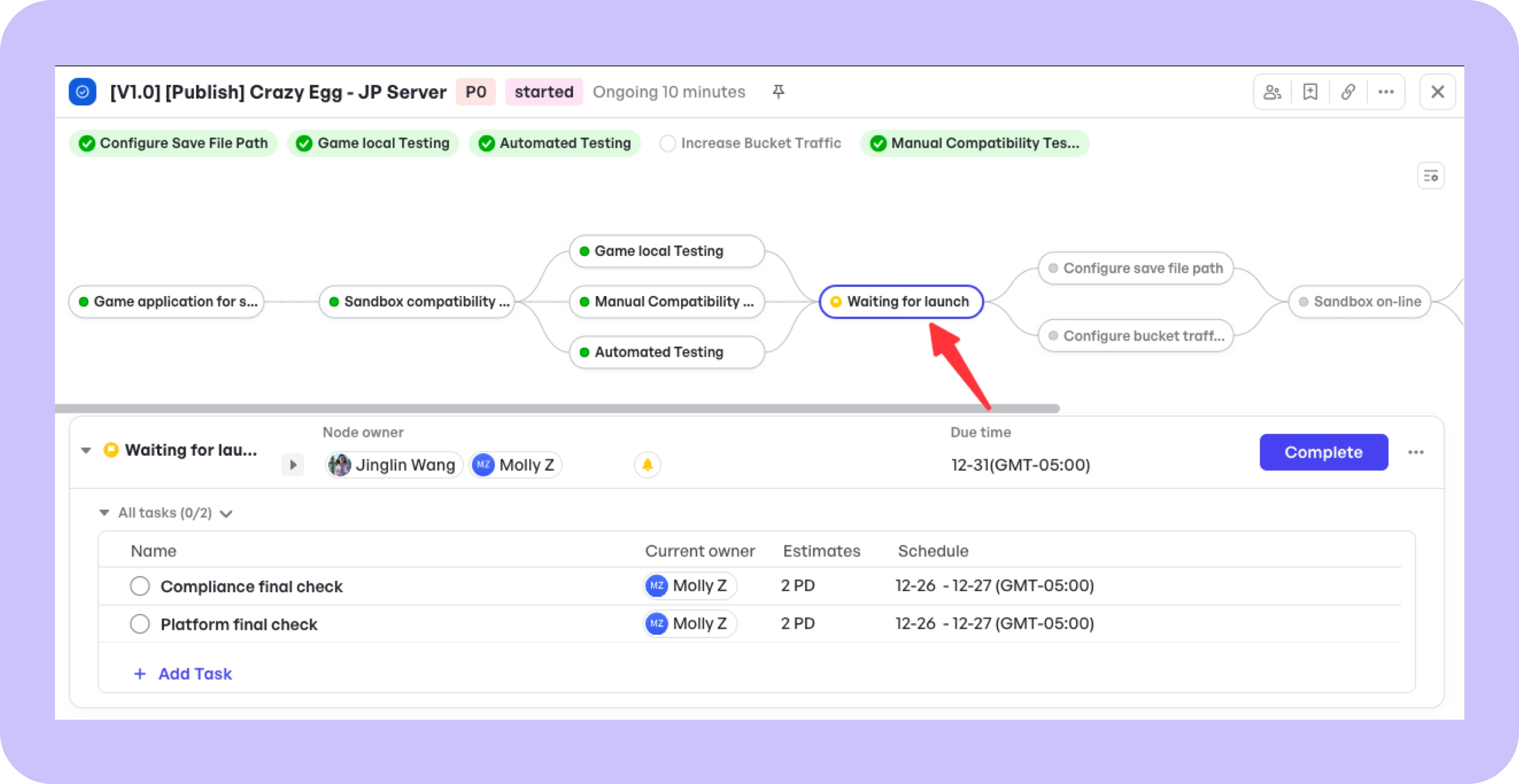
The feature work item is where you can manage different requirements in customized and visualized workflows.
You can use preset workflows or create new workflows based on your usage scenarios.
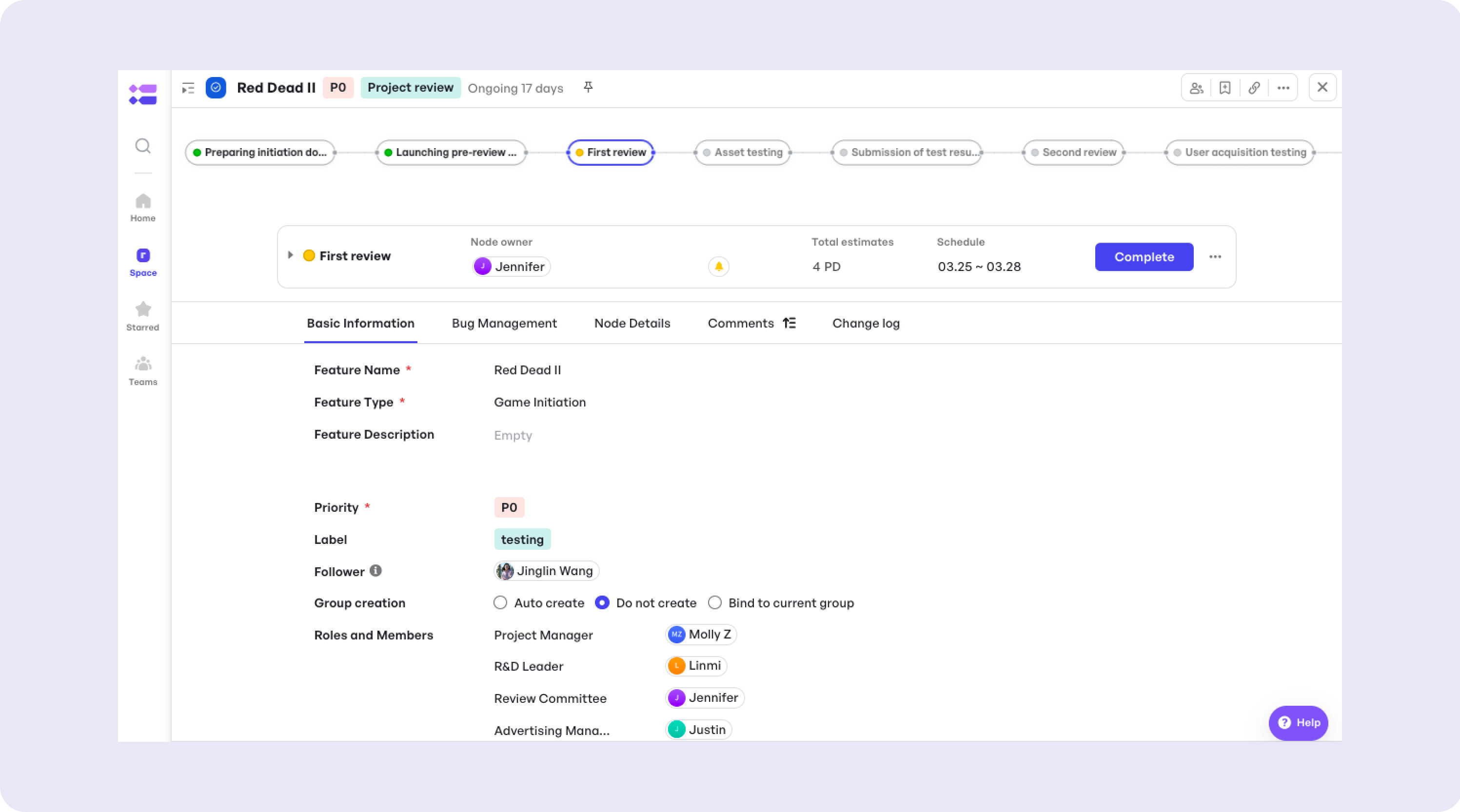
(Game initiation workflow)
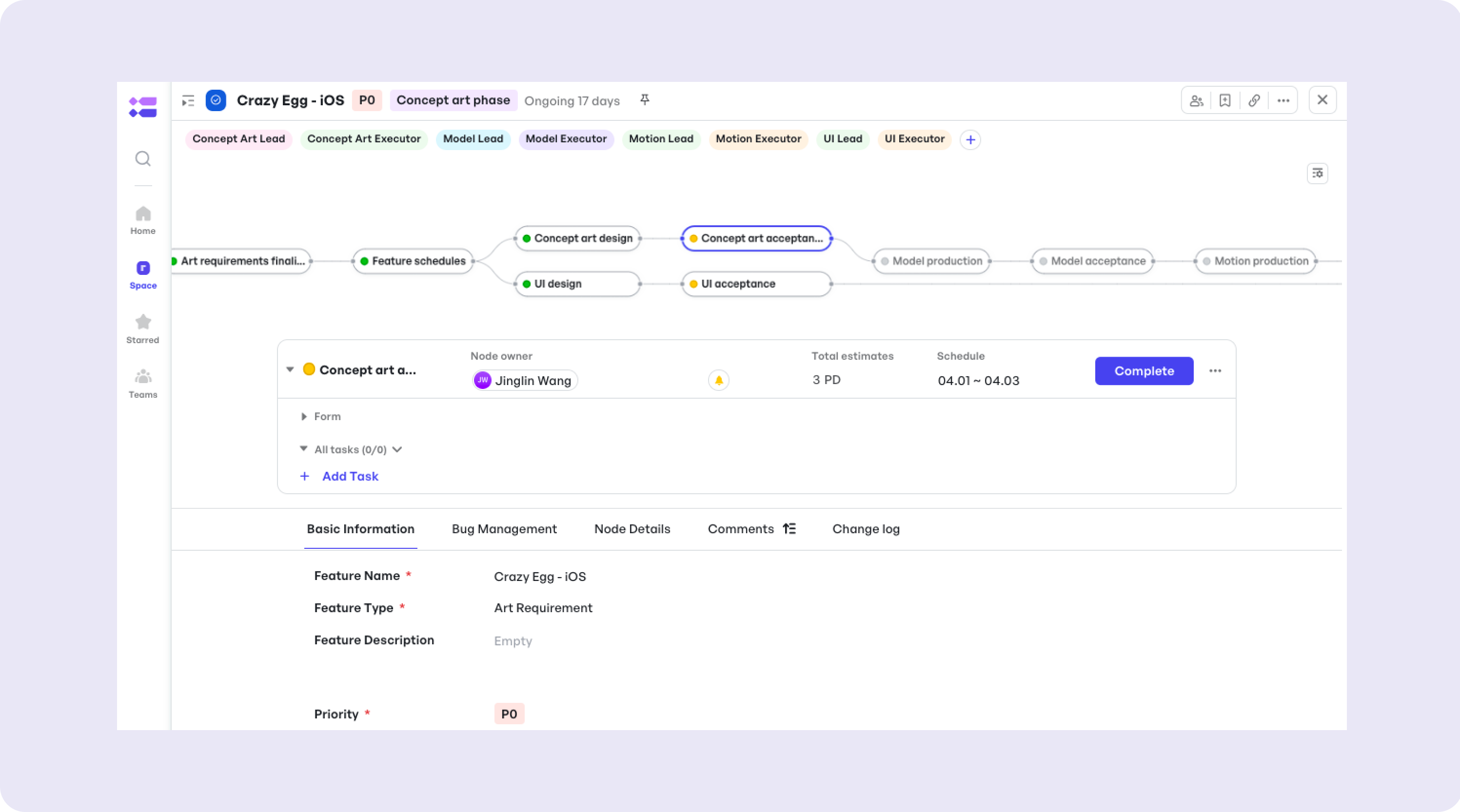
(Art requirement workflow)
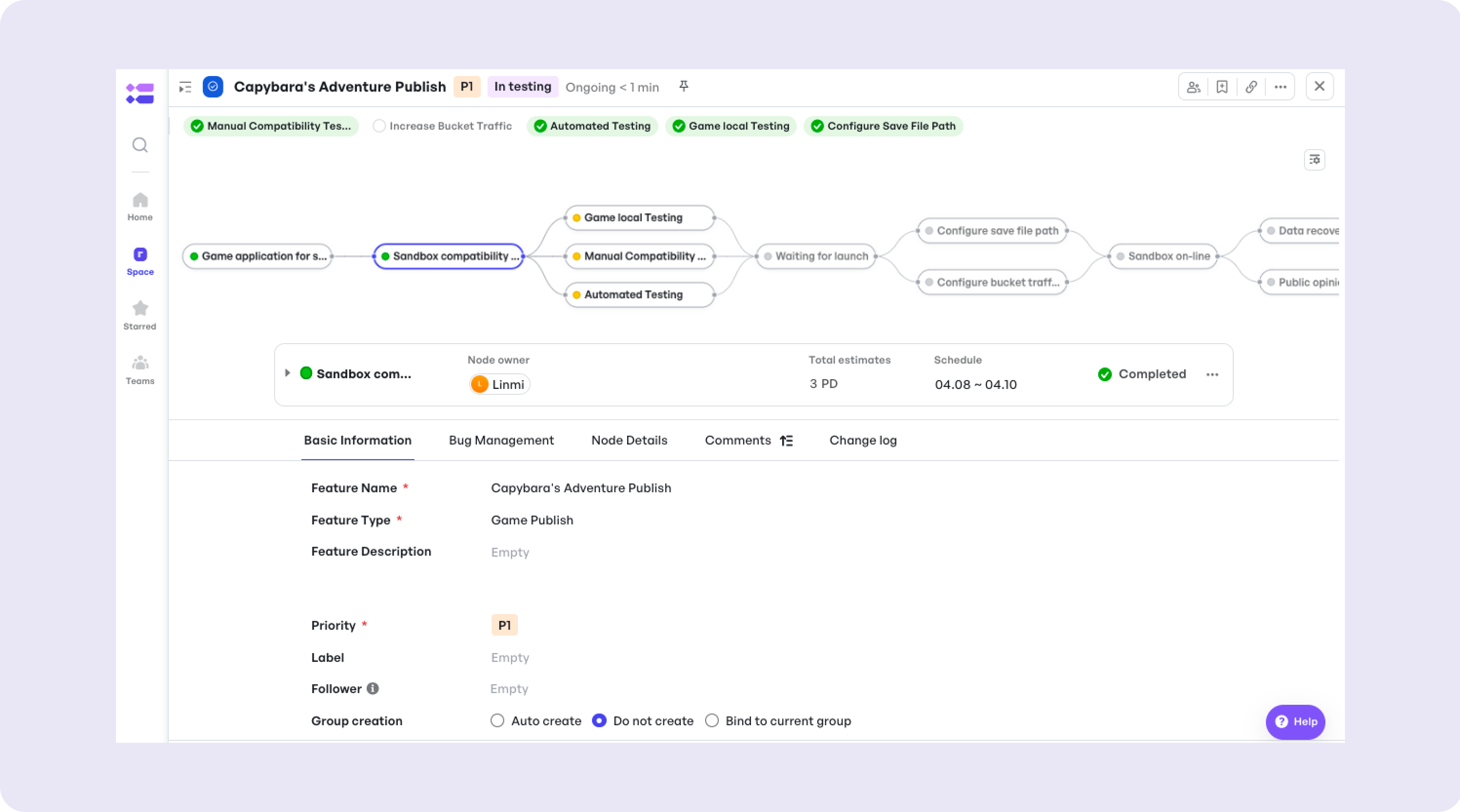
(Game publish workflow)
Step 4: Assign tasks to team members with deadlines.
A task, associated with Features, is the smallest unit of a game project.
You can add tasks under a node and check the task list in the Task work item.
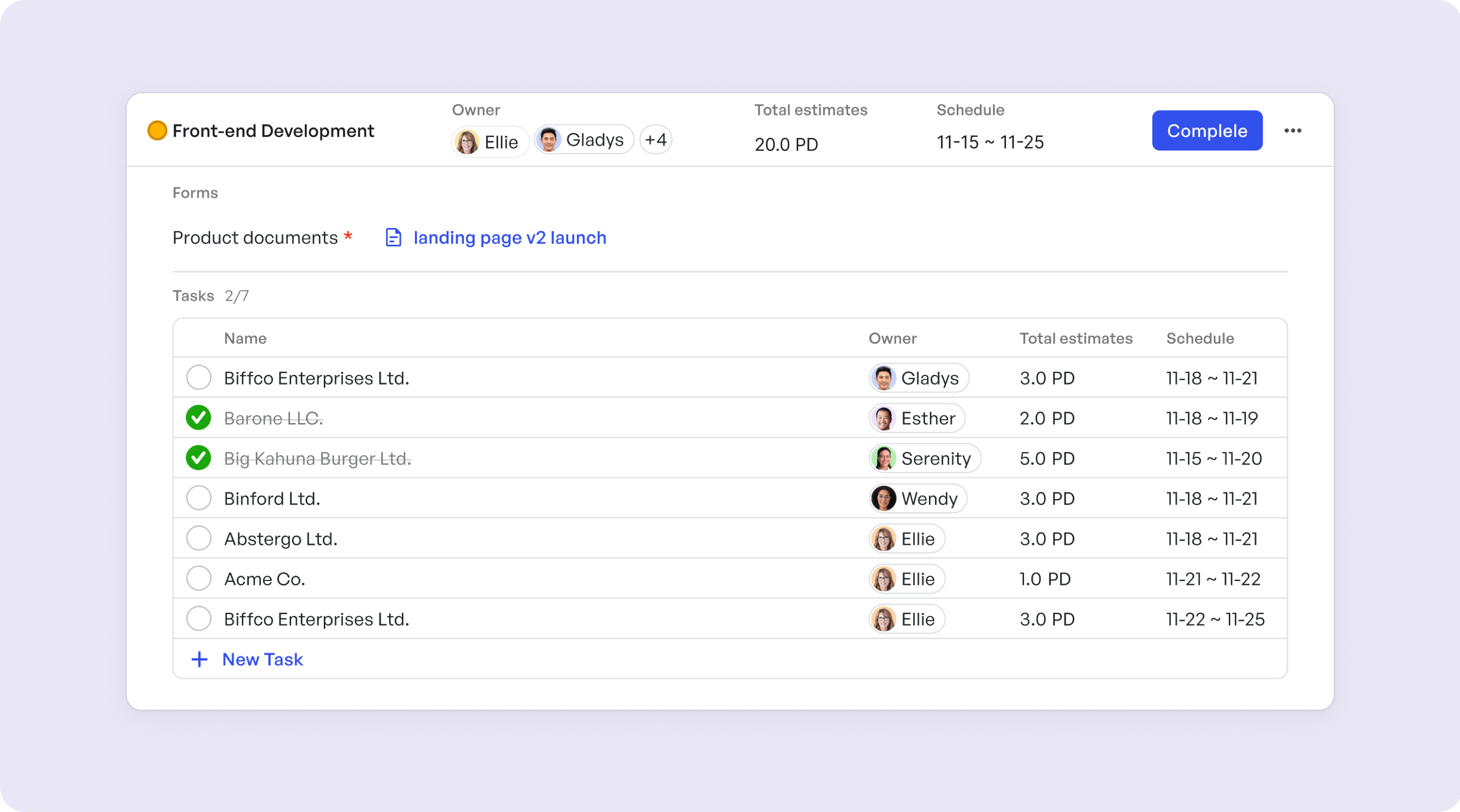
The project's members can also quickly view and complete tasks at Home - My Work.
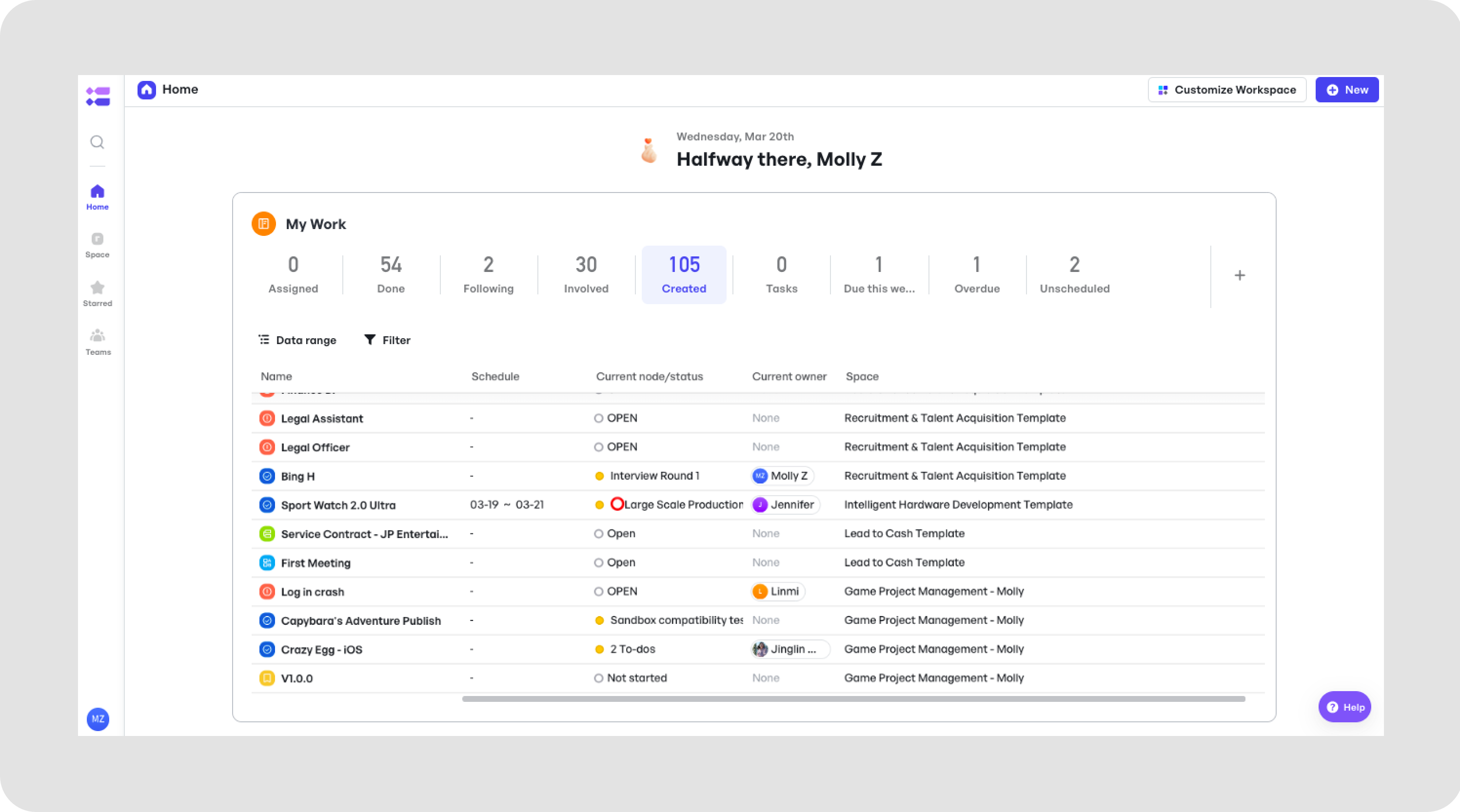
Core Features of the Game Project Management Template
1. Task Management:
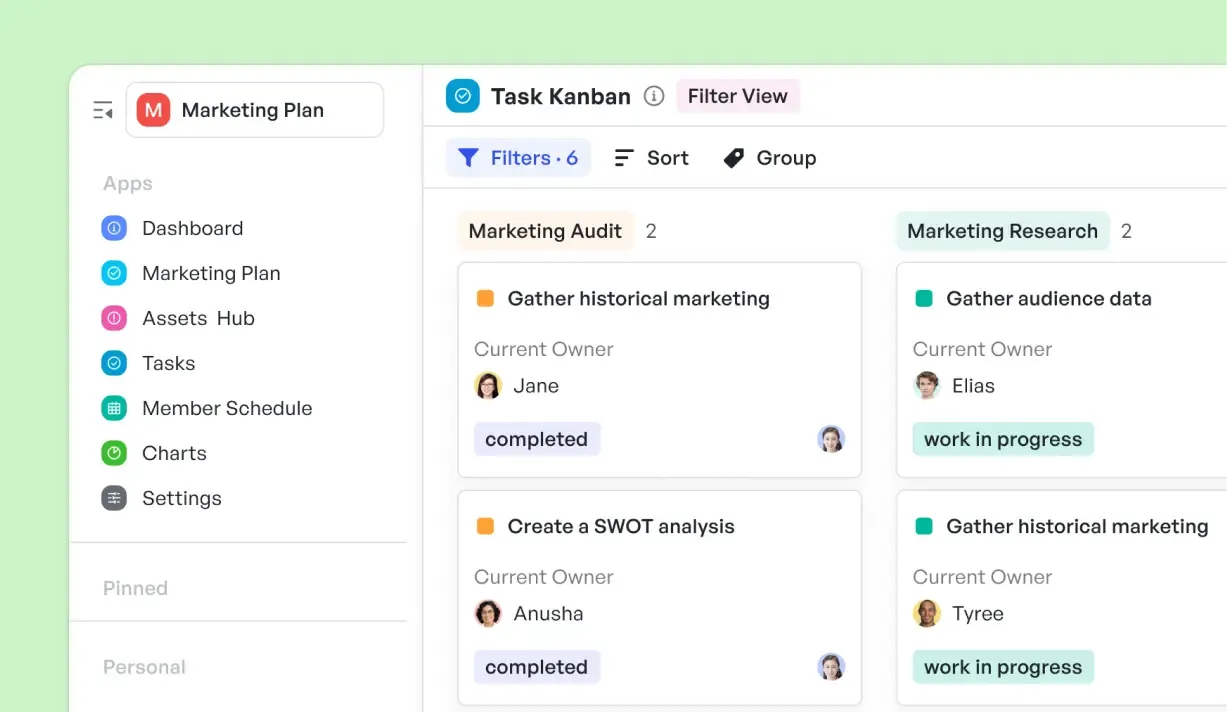
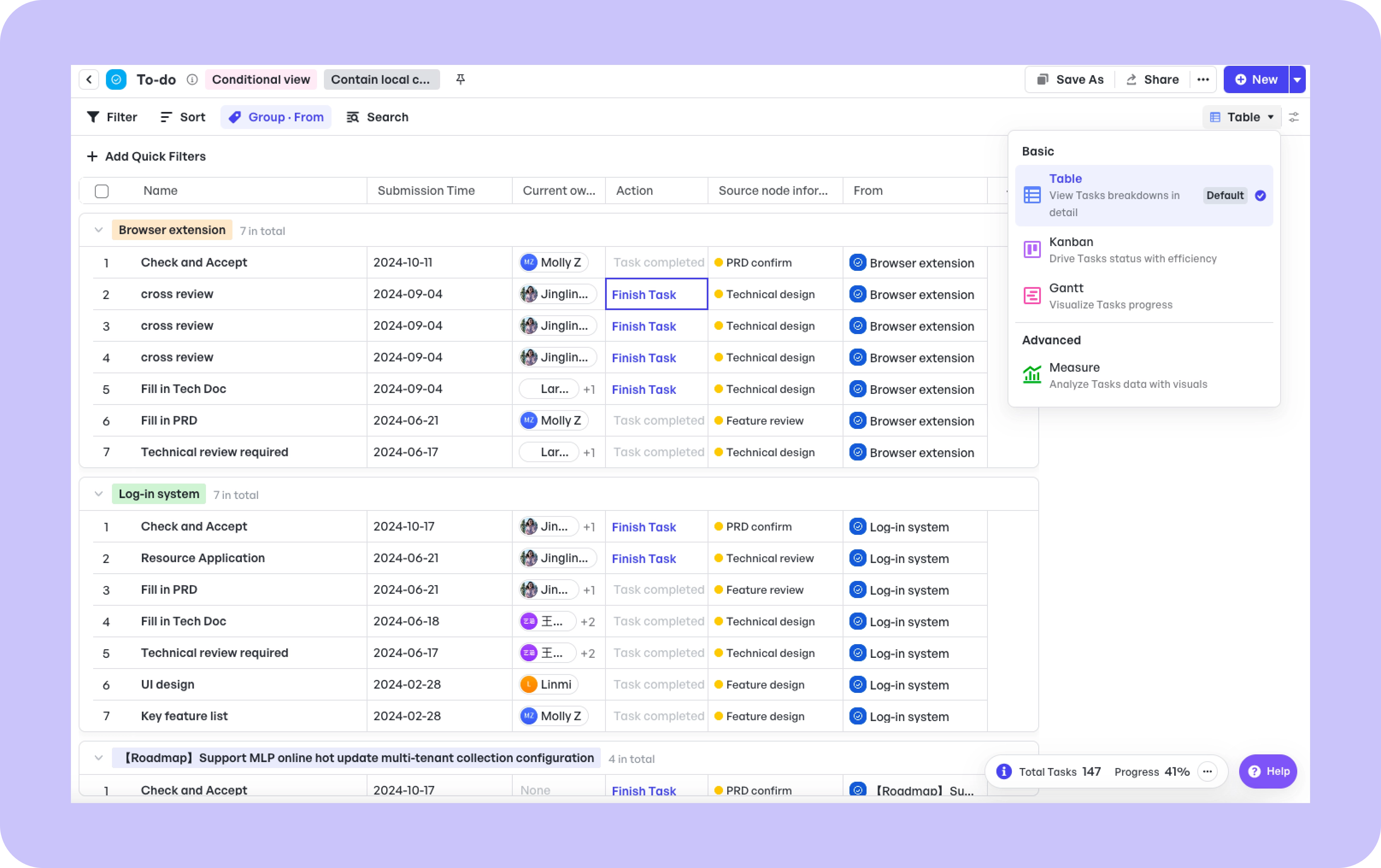
Assign tasks to team members with deadlines. Manage tasks in multiple views, including Kanban, Gantt, Table.
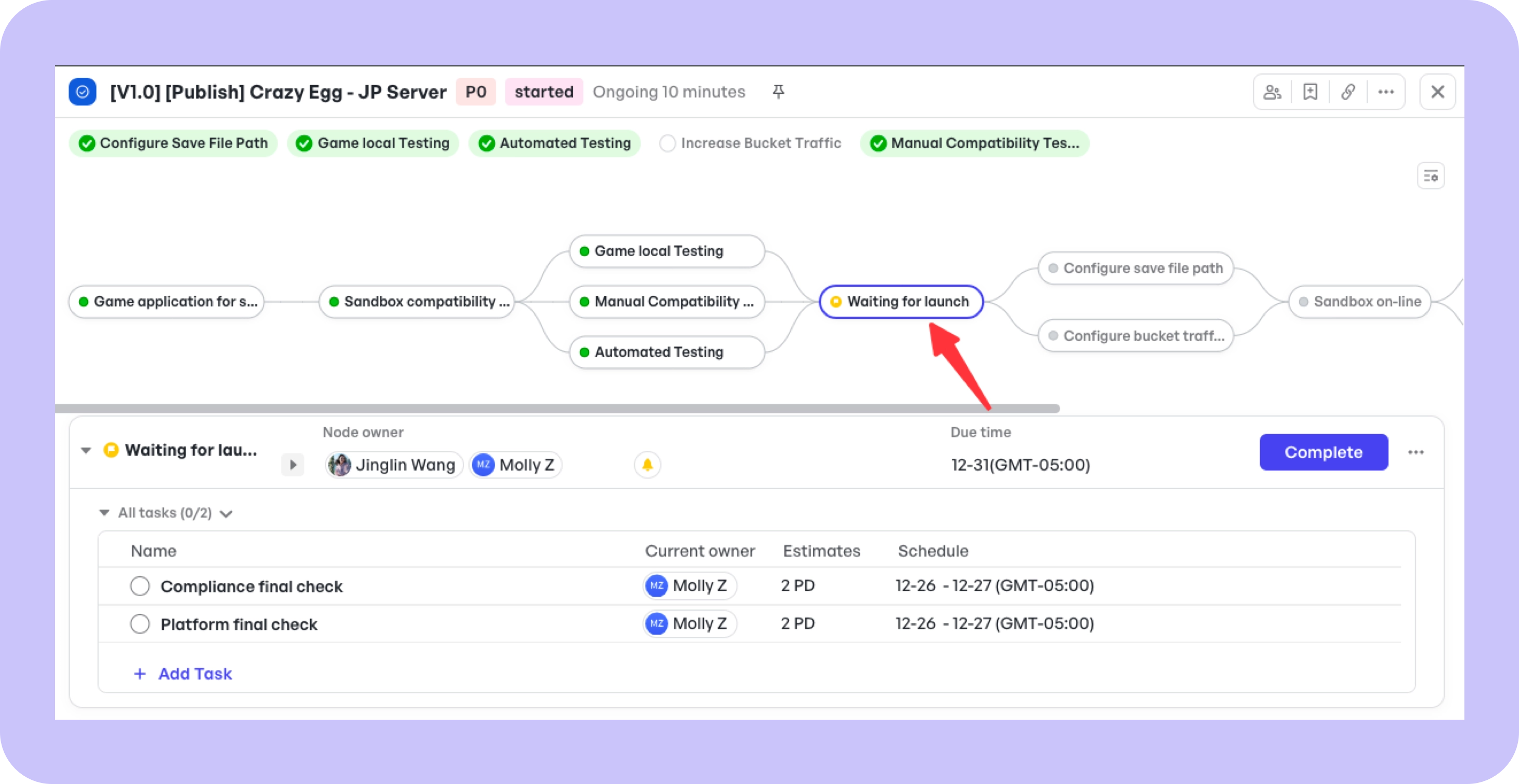
2. Milestone Tracking:
Monitor critical development phases.
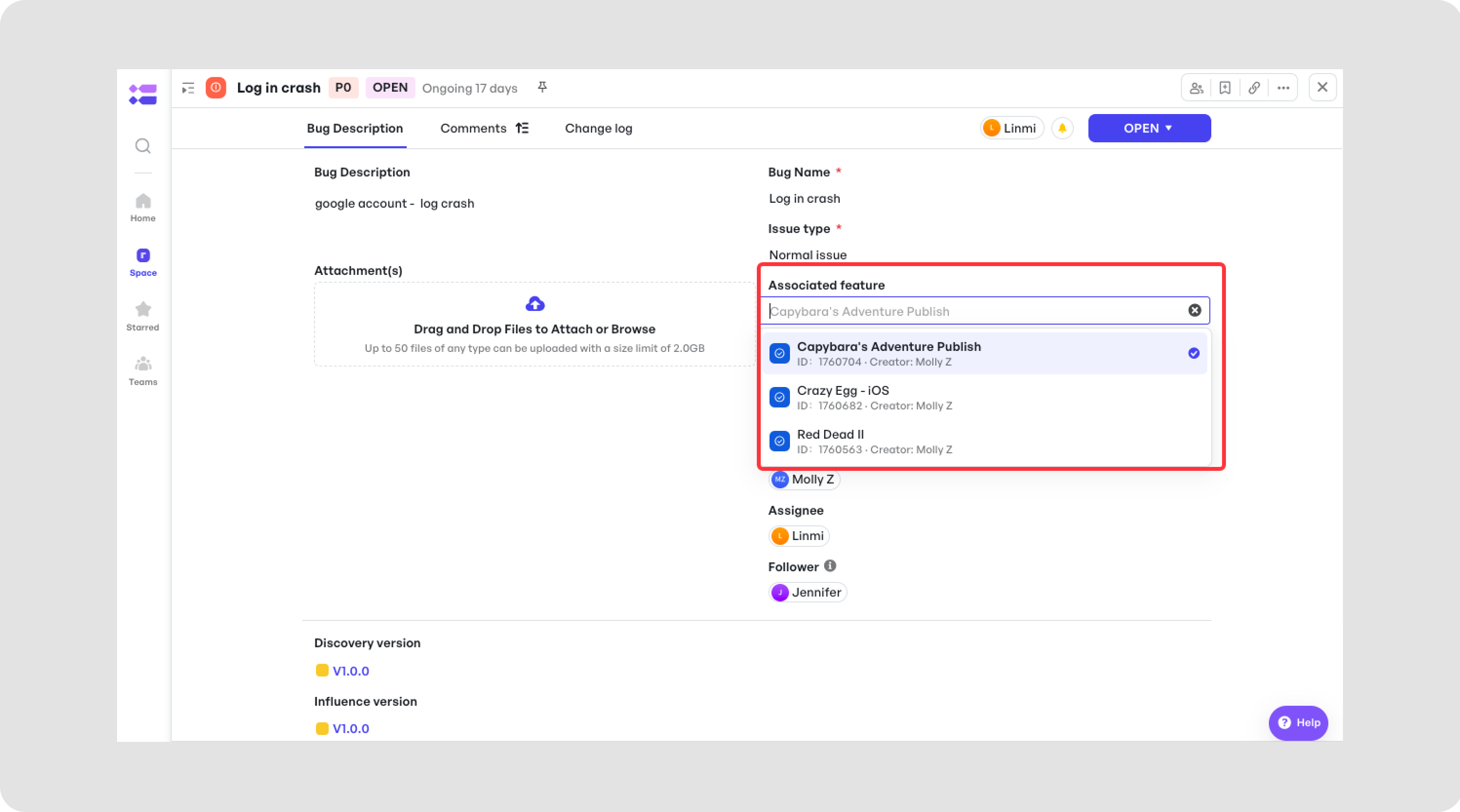
3. Bug Reporting:
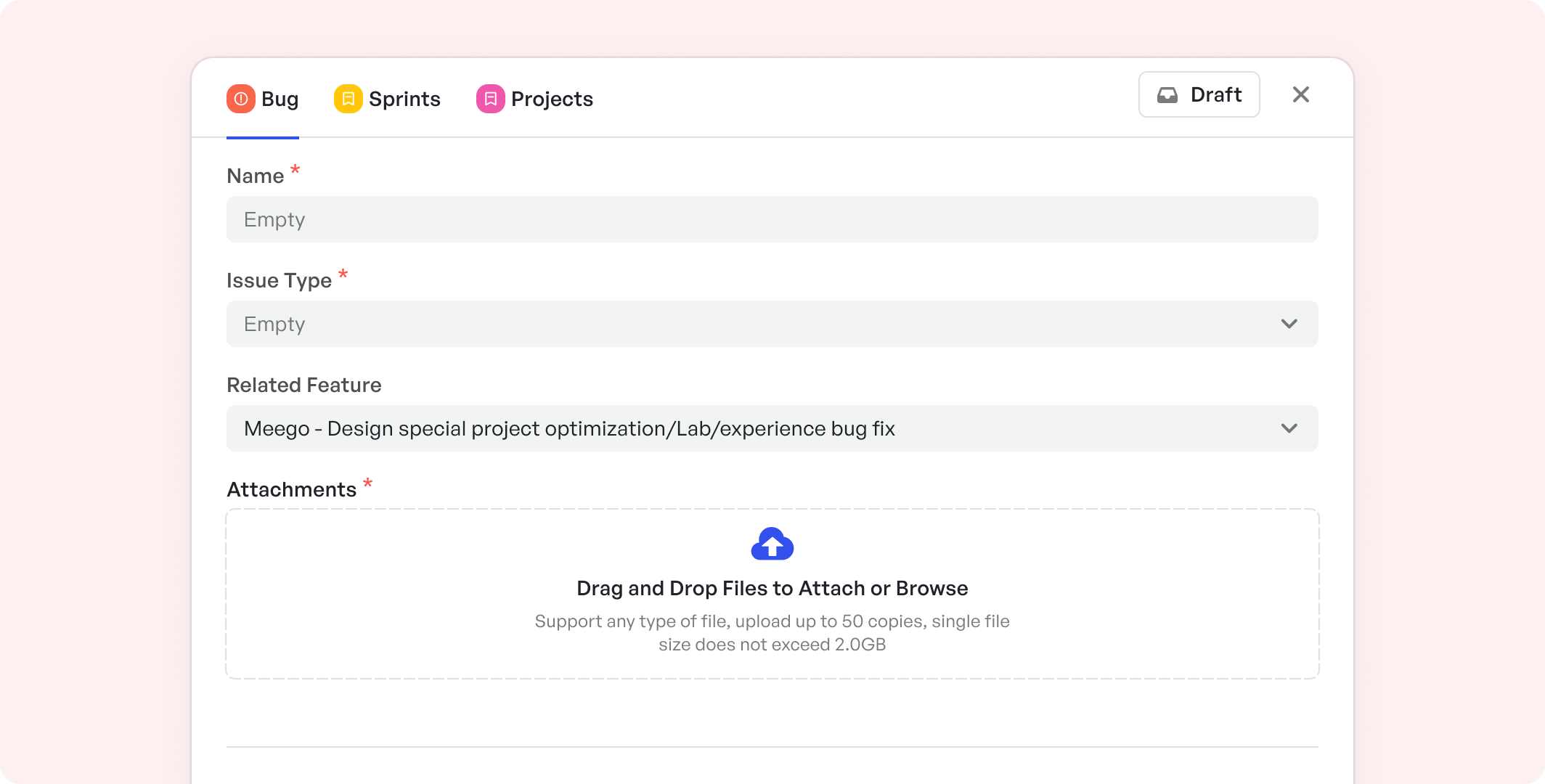
The [Bug Work Item] A centralized hub for identifying and resolving issues. Manage bugs from different game features, and associate them with specific versions and projects.
Advanced Capabilities for Game Development Teams
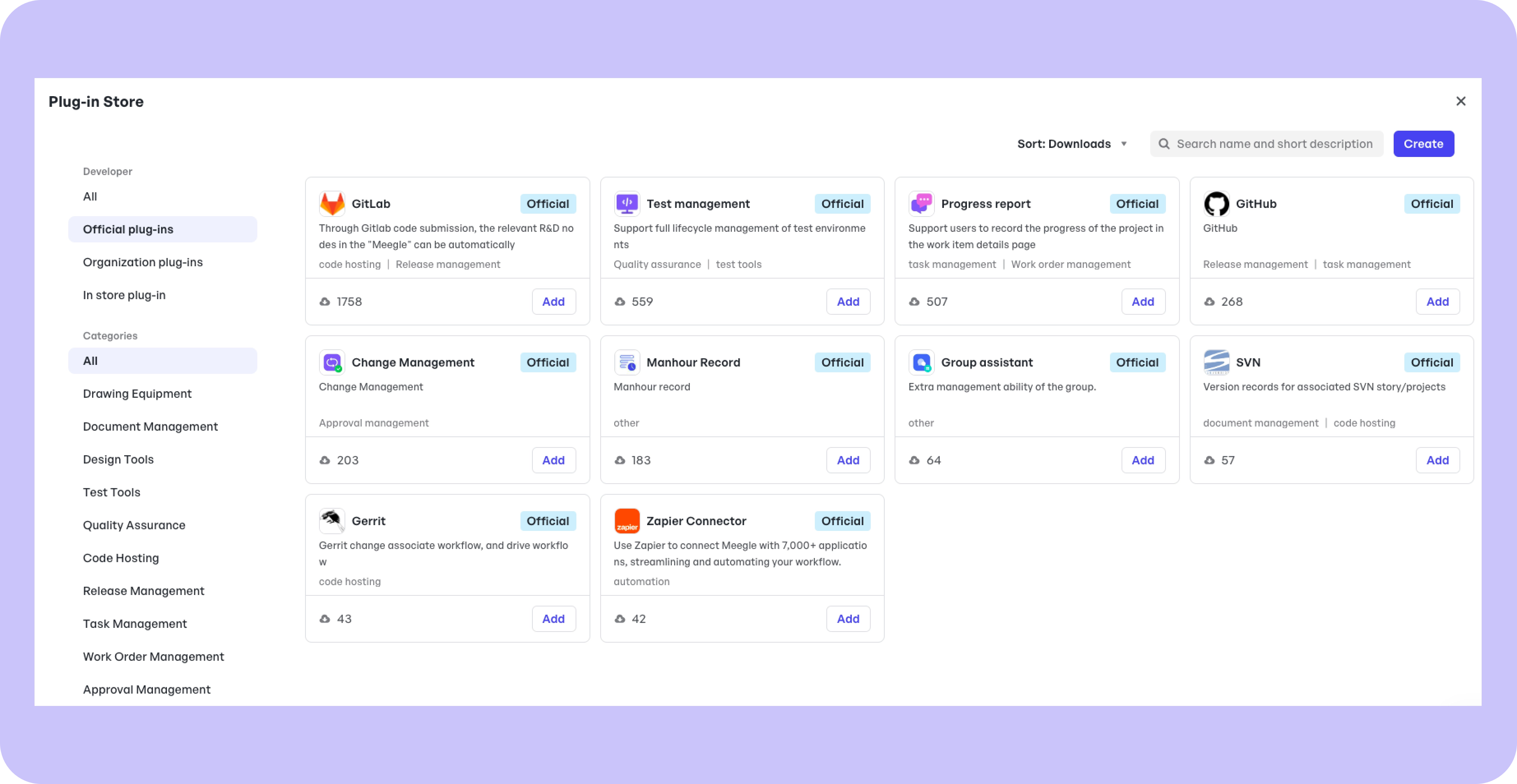
1. Integration with game design tools
2. Automated notifications for critical updates
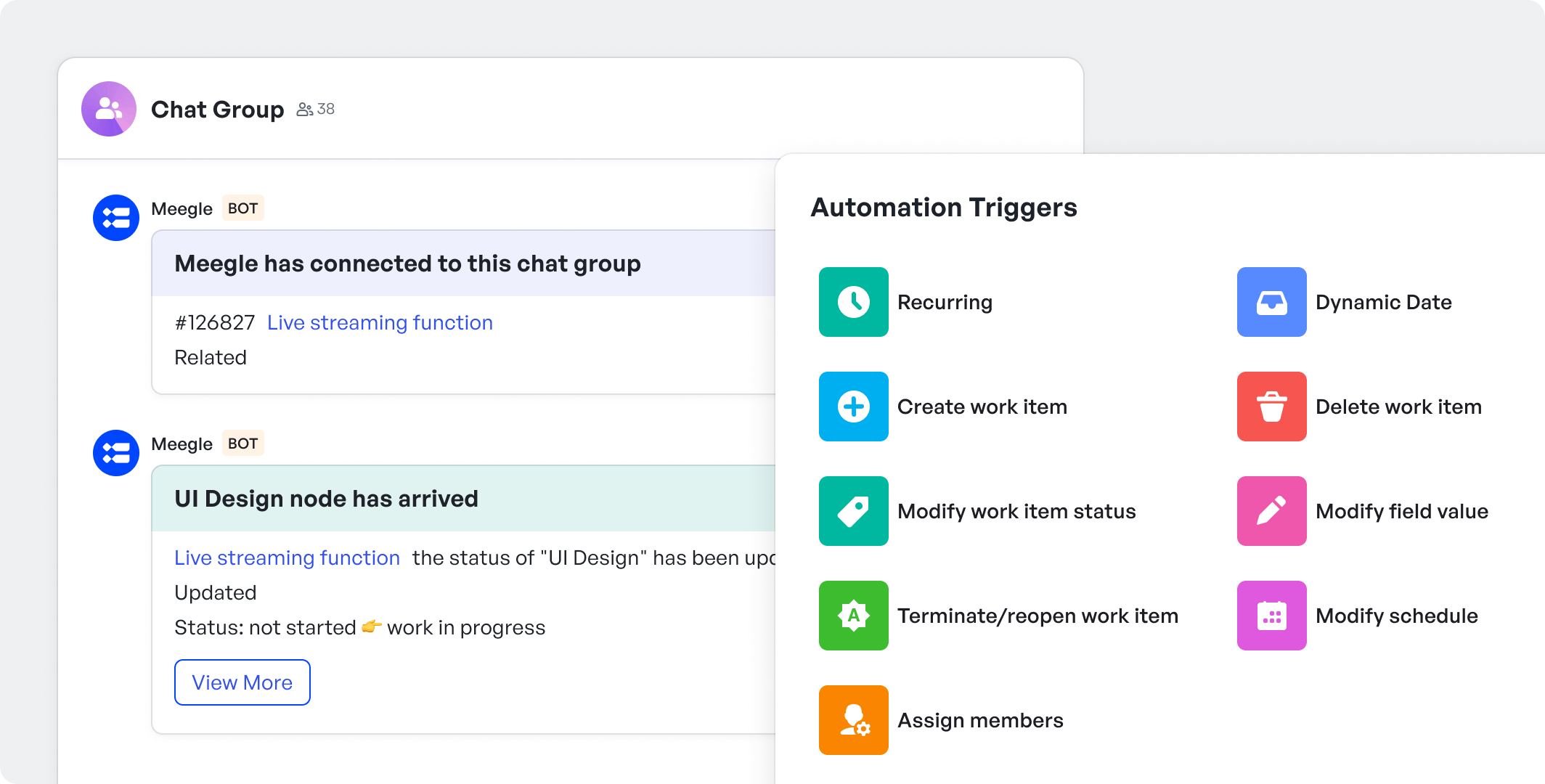
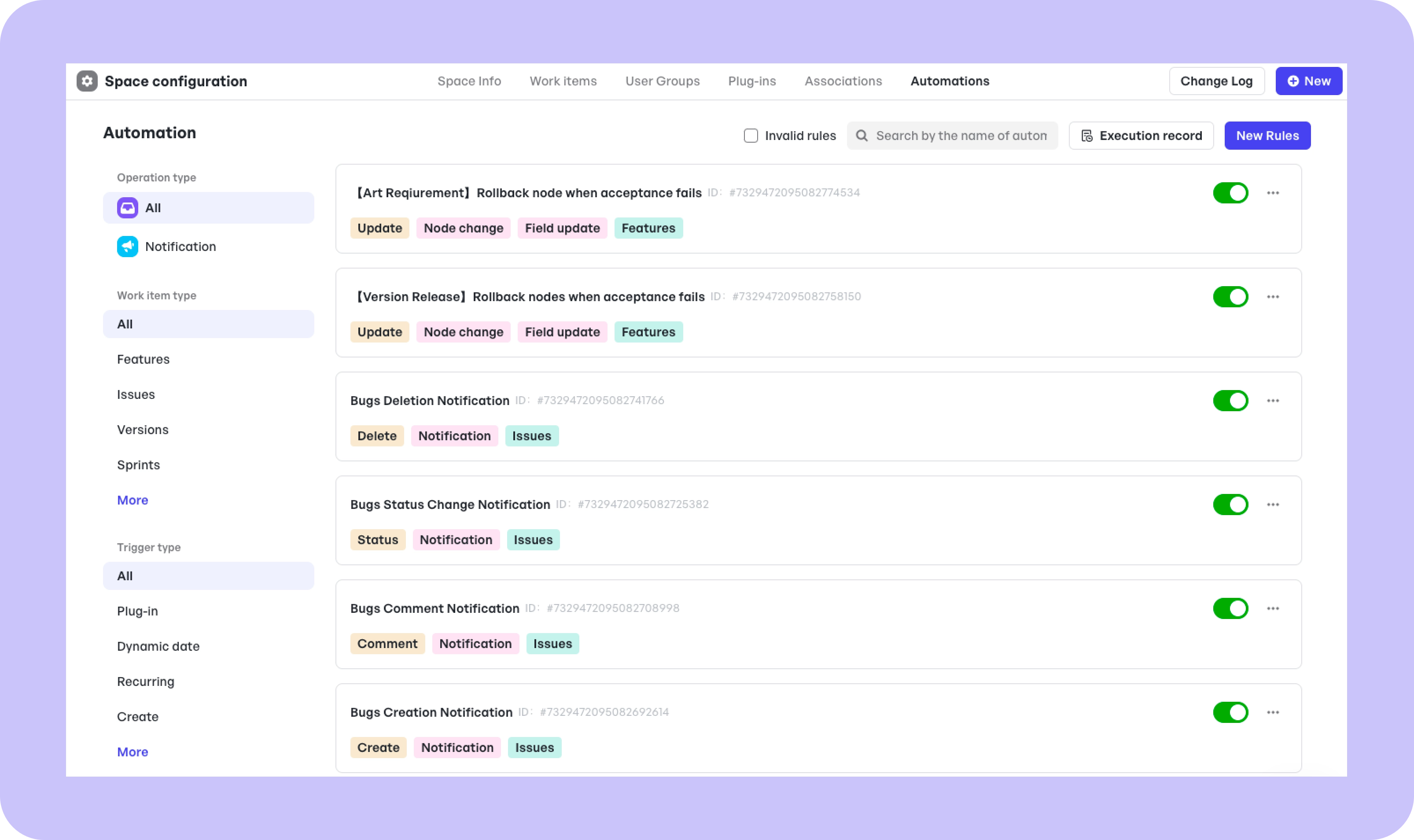
Meegle utilizes automated notifications to ensure that all team members are promptly informed about critical updates throughout a project's lifecycle. These notifications can be triggered by specific events such as approaching deadlines, changes in task status, or modifications to project scope. The system is designed to send these alerts directly to relevant stakeholders via their preferred communication channels, such as email, or in-app notifications. This feature helps maintain continuous communication and coordination, reduces the risk of oversights, and enables teams to respond swiftly to important changes, keeping projects aligned with their goals and timelines.
FAQ Sections
1. What is a game development project plan template?
A game development project plan template is a pre-established guide that outlines the stages, tasks, and milestones of a game development project, helping streamline management from concept to release.
2. How does this template simplify game development workflows?
The template breaks down complex processes into manageable tasks, setting clear roles and deadlines which improve coordination, communication, and track progress in game development.
3. Can it handle large game projects with multiple teams?
Yes, the template is scalable and includes collaboration tools, making it suitable for large projects with multiple teams, enabling seamless integration and coordination across various development phases.
4. What tools integrate with Meegle’s template?
Meegle’s template can integrate with version control systems like Git, and project management tools like Slack to enhance workflow efficiency.
5. How do I customize the template for my team’s needs?
Customize the template by adjusting the tasks, timeline, and sections to fit your project's unique needs and team structure. Meegle allows for custom workflows, and configurable notifications for extensive personalization.